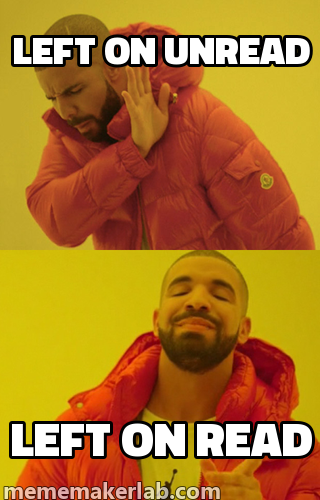
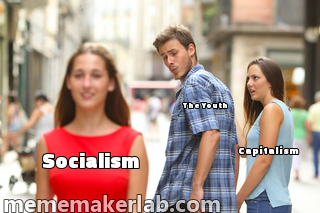

For the team chat
Make the workday a little funnier.
30 caption ideas for Friday deploys, endless meetings, and small wins. Pick one and make it yours.
From the meme lab
Familiar faces. New lines.
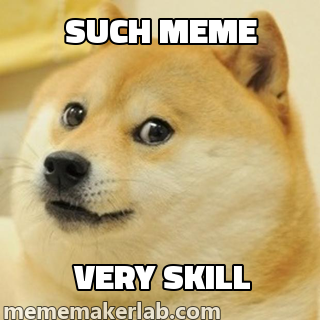
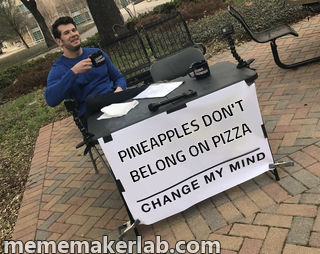
264
templates in the live library
8
type styles ready to use
4
export formats
0
accounts required to create
One thought, three moves
Less setup.
More timing.
Meme Maker Lab keeps the process short because the best reactions rarely wait around.
Start with a template- 01
Find the feeling
Search by reaction, character, or whatever is happening right now.
- 02
Write the line
Your words update on the canvas while the thought is still fresh.
- 03
Ship the joke
Download a PNG, JPG, GIF, or WebP, or pass along a remix link.
Creating and sharing memes
How do I make a meme?
Choose a template, replace its captions, and check the preview. Adjust the font or image size, then download the result.
Do I need an account?
You can create and download memes without an account. An account lets you keep saved memes in your library.
Which image formats can I download?
The editor supports PNG, JPG, GIF, and WebP. Use PNG for a still image with crisp text or JPG for a smaller file. GIF and WebP support motion when the template is animated.
How do remix links work?
Copy a remix link from the editor to share the template, captions, font, and size. Anyone with the link can view the meme and select Make your version to edit it. Only include captions you want to share publicly.
Need a starting point? Browse programmer and office meme ideas for 30 editable examples and tips on choosing a format.